Basic Features
Claude
Anthropic's Claude AI models are designed for natural language processing tasks and capable of handling multimodal inputs such as text, audio, and images.
You need to log in into Anthropic to generate your API keys.
- 1Generate your API key
Log in to Anthropic's dashboard > Select Settings > API Keys.
Click the
+ Create Keybutton > Select a workspace > Give your key a name (e.g., Shinkai-Desktop)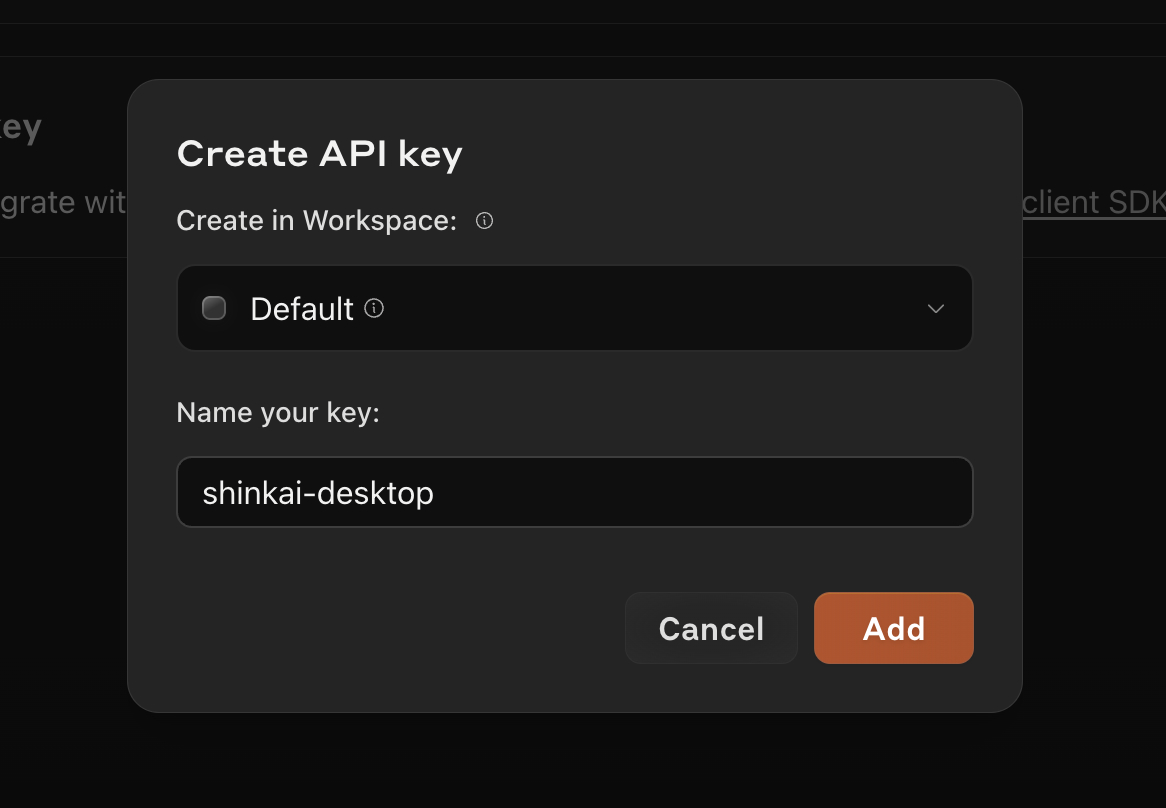
Copy the key and go to your Shinkai app > Paste the key.
- 2Select the model to install
When you select Claude in model provider, you will get the list of available models to install (e.g., 3.5 Sonnet, Haiku, Opus, etc.)
- 3Complete the manual installation in your Shinkai app
In
AI Namefield you can customize how you want to see this AI displayed in your Chats.ClickThis field only accepts alphanumeric characters and underscores.Add AI. You are all set!